Kids & AI Safety: Printable Checklist + Age-by-Age Rules
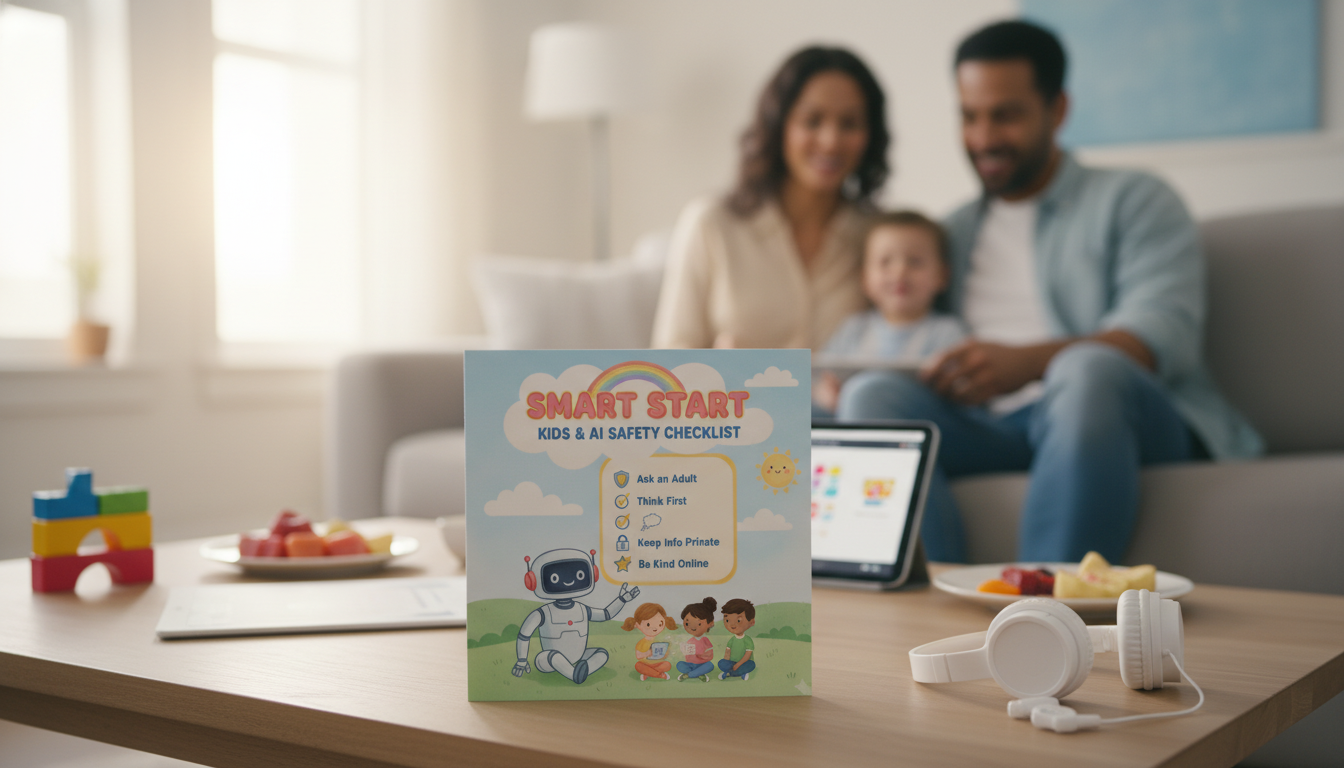
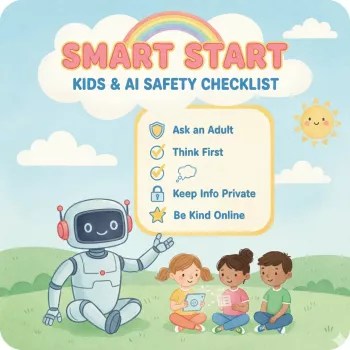
Smart Start: A Parent’s AI Safety Checklist for Kids (Printable Digital Download)
Kids are meeting AI through school tools, search, games, and chat features—often before adults realize it. A simple, visible checklist can turn “rules we assume they know” into habits they can actually follow. The goal isn’t to make technology scary; it’s to set clear boundaries, practice safer routines, and decide what “ready” looks like at different ages—without turning tech into a daily battle. For more guidance, see Youth and Generative AI: A Guide for Parents and Educators.
Why kids need AI-specific safety rules
AI tools don’t behave like ordinary websites or apps. They can feel conversational, confident, and endlessly helpful—qualities that are great for learning, but risky without guardrails. For further reading, see A Parents’ Guide to Navigating the Risks of Generative AI.
- AI can sound confident even when it’s wrong, which can confuse kids who assume “computer answers” are true.
- Chat-style tools can encourage oversharing because they feel like talking to a person.
- AI can generate content that’s inappropriate, biased, or misleading without warning.
- Children may use AI to shortcut homework, misunderstand learning goals, or accidentally break school rules.
- Family rules reduce risk while keeping curiosity and creativity intact.
For deeper background on child-centered protections, see UNICEF’s policy guidance on AI for children and the practical, parent-friendly overview from Common Sense Media.
When should kids start learning to use AI safely?
Start with concepts before tools. Even young kids can learn “don’t share personal info” and “ask an adult if unsure.” As kids grow, the focus shifts from basic privacy to judgment: accuracy, manipulation, and long-term digital footprint.
- Ages 5–7: focus on privacy basics, kindness, and the idea that AI isn’t a real friend.
- Ages 8–10: introduce checking facts, asking better questions, and stopping if content feels weird or upsetting.
- Ages 11–13: add school integrity, citation expectations, and recognizing manipulation or persuasive tactics.
- Ages 14+: practice advanced judgment—source evaluation, bias awareness, and managing digital footprints.
AI safety skills by age (simple progression)
| Age range | What to teach first | Parent guardrails |
|---|---|---|
| 5–7 | Privacy words (name, address), “ask first,” AI isn’t a person | Use together; locked-down accounts; time limits |
| 8–10 | Fact-checking basics, safe prompts, how to exit/report | Approved tools only; shared space use; review history |
| 11–13 | School rules, plagiarism basics, respectful use | Clear boundaries for homework; device bedtime rules |
| 14+ | Bias, persuasion, deepfakes, long-term reputation | More autonomy with periodic check-ins; privacy settings audits |
The family AI safety checklist (print and post)
Posting a checklist near the homework station reduces “in-the-moment negotiating” and gives kids a quick way to self-correct before something becomes a problem.
- Privacy: never share full name, address, school, phone number, passwords, or photos that reveal location (uniforms, house numbers).
- Identity & boundaries: treat AI like a tool, not a friend; no secret chats; no “private” topics without a trusted adult.
- Content safety: stop if content is sexual, violent, hateful, or scary; close the app and tell an adult.
- Truth check: verify important claims using trusted sources; look for dates, authors, and multiple confirmations.
- Respect: no bullying, harassment, or generating content about real classmates/teachers.
- Money & downloads: no clicking purchase links, entering card info, or downloading files without permission.
- Photos & voice: don’t upload images/voice of others without consent; be cautious with face photos.
- Account hygiene: strong passwords, 2-factor authentication where possible, and log out on shared devices.
A simple “ready check” before letting kids use AI solo
Instead of relying on age alone, look for these readiness signals. If one area is shaky, switch back to shared use for a while and practice with short scenarios.
- Can the child explain what personal information is and give examples?
- Will the child pause and ask for help when something feels off or confusing?
- Does the child accept that AI can be wrong and show willingness to verify?
- Can the child follow a rule even when curious (for example: no uploads, no secrets, no late-night use)?
- Is there a consistent adult check-in routine (weekly review, shared password manager, device rules)?
How to set boundaries without shutting down curiosity
What’s inside the Smart Start printable download
If you want a ready-to-use resource that keeps the conversation calm and consistent, Smart Start: Kids & AI Safety Checklist (digital download) is designed to be printed, posted, and reused as rules evolve.
To make the “shared-space setup” easier, some families pair a posted checklist with a dedicated schoolwork spot and supplies kids can grab without roaming the house. A simple organizer like the Large Capacity Y2K Puppy Pencil Case can help keep the homework station tidy and reduce distractions. For families also working on routines and resilience, the Benefits of Positivity Bundle: Fuel Your Mind, Build a Positive Mindset & More can support the “teach, don’t shame” approach when mistakes happen.
Quick start: 10 minutes to put the plan in place
FAQ
What age is appropriate for kids to start using AI tools?
Readiness depends on maturity and supervision, not just age. Many families start with shared use in elementary school to teach privacy and “pause and check,” then allow more independence in middle school once the child consistently follows rules.
What should kids never share with an AI chatbot?
Kids should never share full name, address, school, phone number, passwords, or private family details, and they should avoid photos that reveal location (like house numbers or school uniforms). Anything shared may be stored, reviewed, or used to personalize future responses.
How can parents tell if AI is helping or harming homework habits?
Healthy use looks like brainstorming, outlining, and checking understanding; harmful use looks like copying answers, weaker skills, and avoiding effort. Set clear boundaries for what’s allowed, and align with school or teacher expectations when possible.











Leave a comment